

Explanation
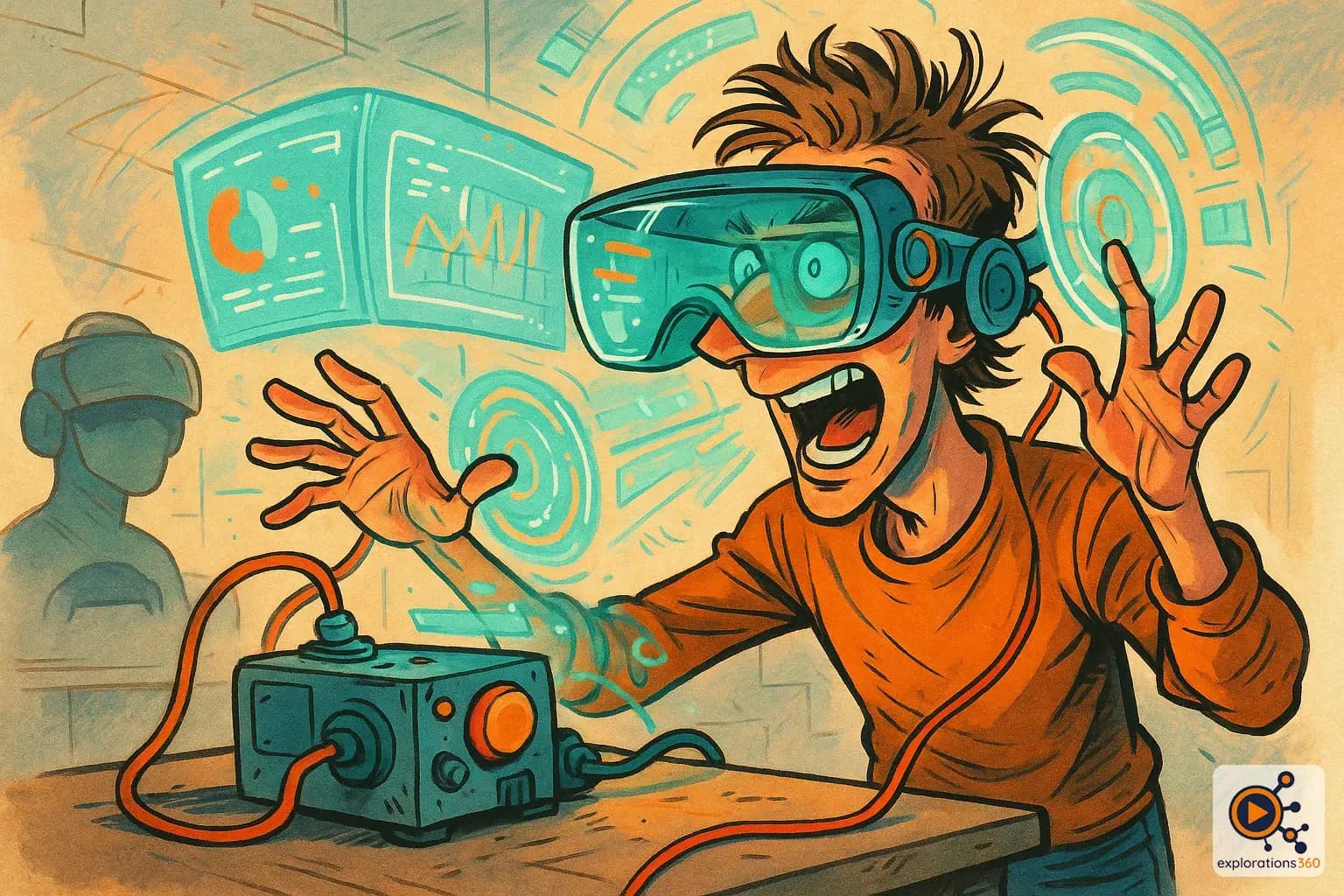
A device that projects information directly into the user's line of sight, allowing them to view data without looking away from their real-world environment.
Real-world example
The GPS display on a car windshield, or Google Glass smart glasses that overlay directions and notifications in front of your eyes.
Practical applications
- Pilots: flight data displayed without looking away from the horizon
- Automotive: GPS and speed information projected on the windshield
- Industrial operators: real-time instructions and alerts in their field of view
- VR gaming: stats, health, and ammo permanently visible during gameplay
Types of HUD in XR contexts
Diegetic HUD
- Integrated into the virtual world (wrist screen, dashboard)
- More immersive because it's consistent with the virtual universe
- The user must look at the object to see the information
- Realistic in professional simulations
Example: A virtual wristwatch displaying time and objectives in a game
Non-diegetic HUD
- Fixed floating element in the field of vision
- Always visible regardless of head orientation
- Can break immersion
- Effective for critical information
Example: A health bar always visible at the bottom of the field of view
Spatial HUD (AR/MR)
- Anchored to real-world objects or locations
- Contextual: displays relevant information where it matters
- Natural integration with mixed reality
- Ideal for maintenance, logistics, and guided tours
Example: An AR arrow pointing to the next step on an industrial machine
VR scenario
During immersive VR safety training, the employee sees a subtle HUD at the edge of their vision: time remaining, completed objectives, and an alert when a risk zone is nearby. The information is available without interrupting the experience - just like a real dashboard in the workplace.
Why it matters in professional VR
- The HUD is the primary way to convey information to the user in an immersive experience without breaking the flow
- Good HUD design balances informativeness with immersion preservation
- In professional VR, HUD is essential: the right information, at the right time, in the right place