

Explanation
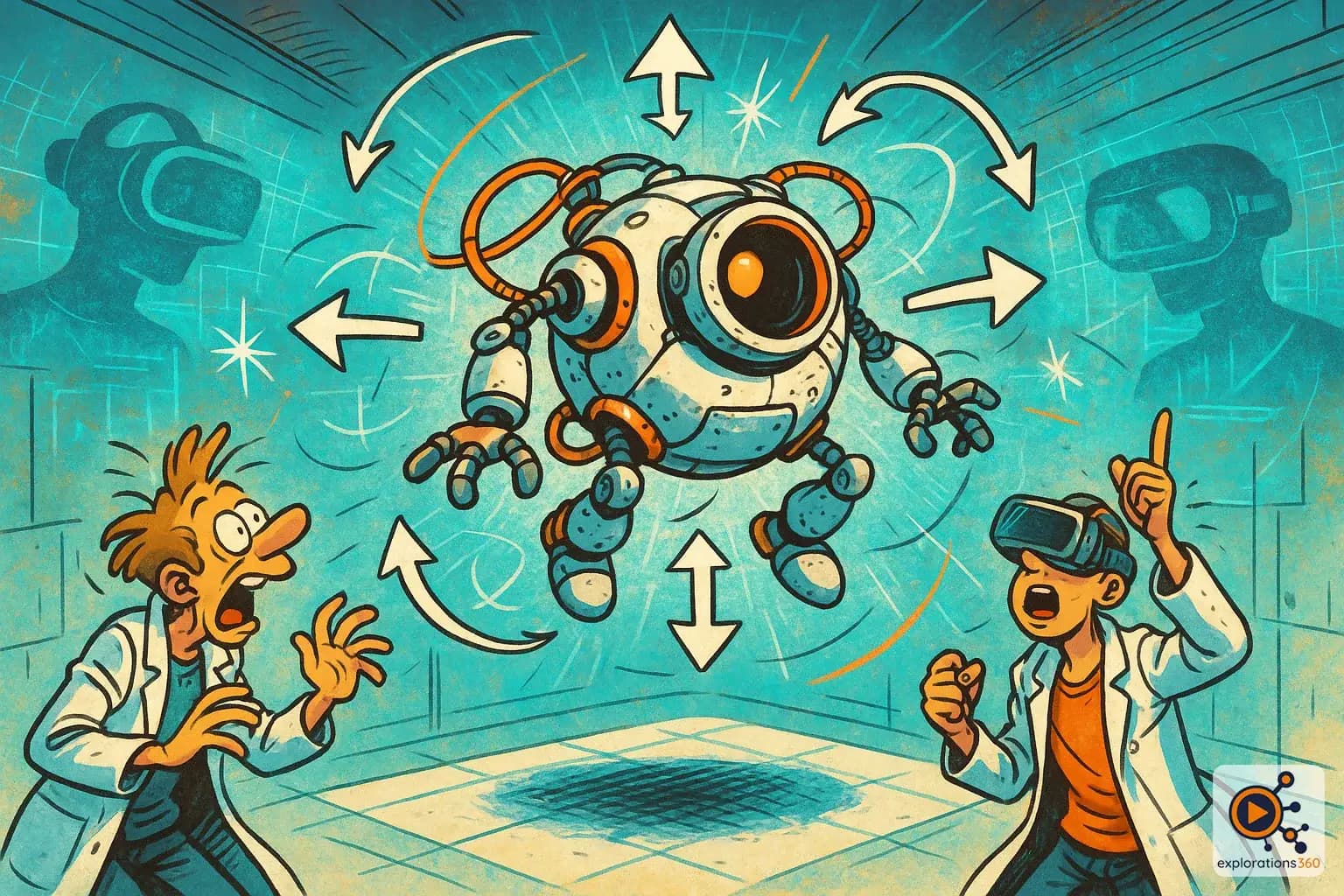
The ability to move in all six possible directions: forward/backward, left/right, up/down, plus rotation on three axes (yaw, pitch, roll).
Real-world example
A VR controller that detects both when you move it to the right AND when you rotate it. With a 6DOF headset, your real-world movements are mirrored in the virtual world.
Practical applications
- Physically moving through a virtual space: walking toward an object, stepping back, crouching to look under a table
- Manipulating objects with precision: reaching for a button, turning a handle, lifting a part
- Professional skills training: simulating surgical procedures, industrial operations, or technical adjustments
- Immersive exploration: inspecting a product from every angle, naturally walking through a location
The 6 axes explained
3 translations (movements)
- Forward/backward (Z-axis)
- Left/right (X-axis)
- Up/down (Y-axis)
Example: Crouching to look under a virtual piece of furniture
3 rotations (orientations)
- Yaw: turning your head left/right
- Pitch: tilting your head up/down
- Roll: tilting your head sideways
Example: Looking up at the ceiling of a virtual cathedral
VR scenario
In an industrial maintenance training scenario, the technician can crouch to inspect the underside of a machine, lean to look behind a component, and reach out to pull a lever - exactly as they would in real life.
Why it matters in professional VR
- 6DOF is the foundation of every modern immersive VR experience - without it, feeling truly "present" in the virtual environment is impossible
- Essential for professional training: gestures must be realistic and reproducible
- It's what distinguishes a true VR experience from a simple 360° video (which is only 3DOF)