

Explanation
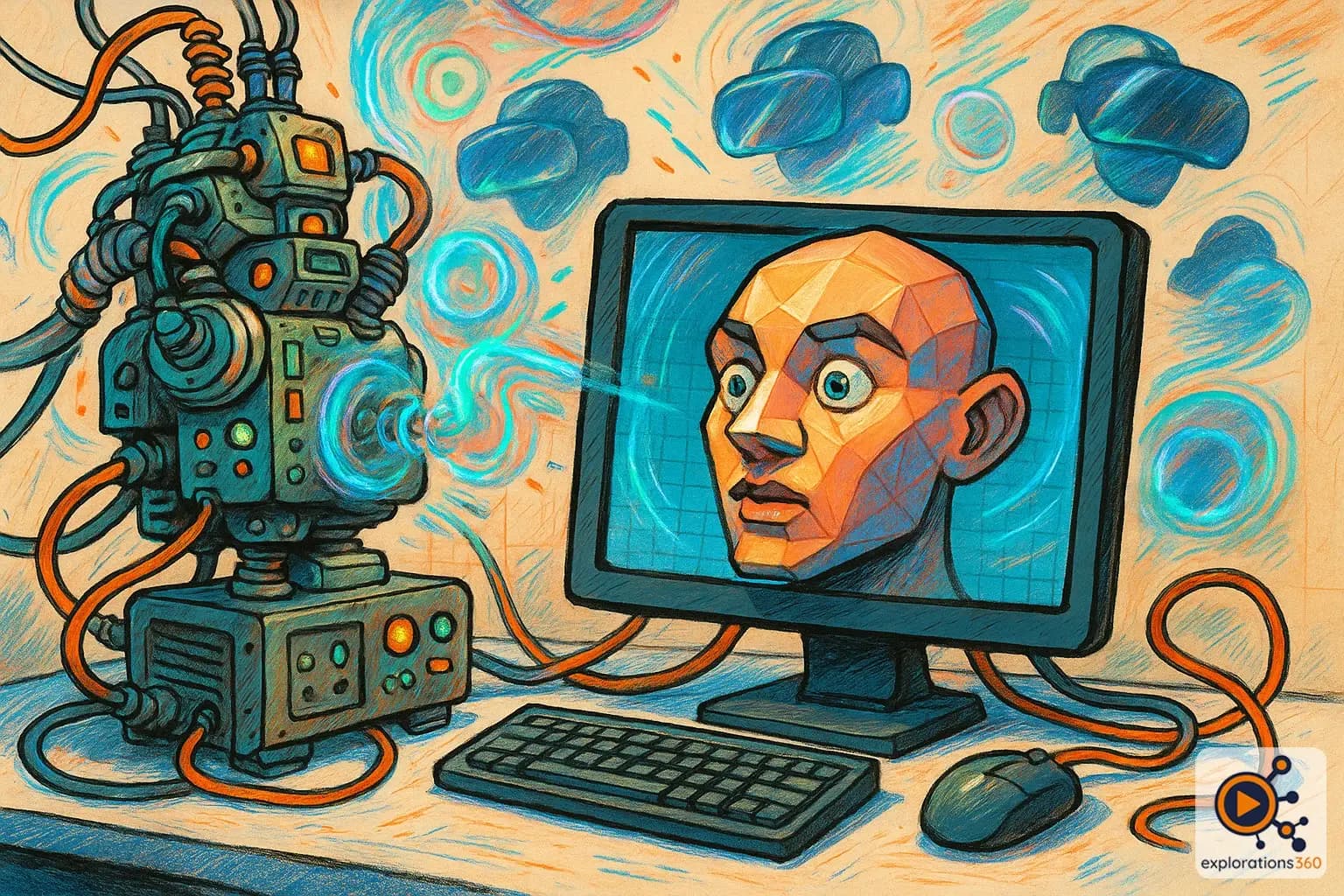
A visual generated digitally by computer algorithms.
Real-world example
The characters in Toy Story or the environment of a video game.
Practical applications
- Virtual environments: creating worlds impossible to film
- 3D characters: avatars, NPCs, fantasy creatures
- Visualization: architecture, products, scientific data
- Visual effects: enhancing real-world footage
CGI creation techniques
3D Modeling
- Manual creation of geometry (vertices, polygons)
- Digital sculpting (ZBrush, Blender)
- Procedural modeling (algorithms)
- 3D scanning and photogrammetry
Example: Modeling a historical building for a VR tour
Rendering
- Ray tracing: realistic light simulation
- Rasterization: fast rendering for real time
- Textures and materials: surface appearance
- Global illumination: ambiance and atmosphere
Example: Choosing between realism (ray tracing) and performance (rasterization) for a VR headset
Animation
- Keyframes: interpolated key poses
- Motion capture: recording real movements
- Physics simulation: cloth, hair, fluids
- Procedural animation: generated by algorithms
Example: Animating a trainer avatar using motion capture
VR scenario
To create a VR training module on engine maintenance, the team models every part in 3D, applies realistic metallic textures, then generates real-time CGI that adapts to the learner's position. The virtual engine is more educational than the real one: it can be made transparent, slowed down, or enlarged.
Why it matters in professional VR
- Foundation of VR: without CGI, no virtual worlds
- Total flexibility: creating the impossible, visualizing the invisible
- Reduced cost: less expensive than filming certain real environments
- Interactivity: CGI can respond to the user's actions