

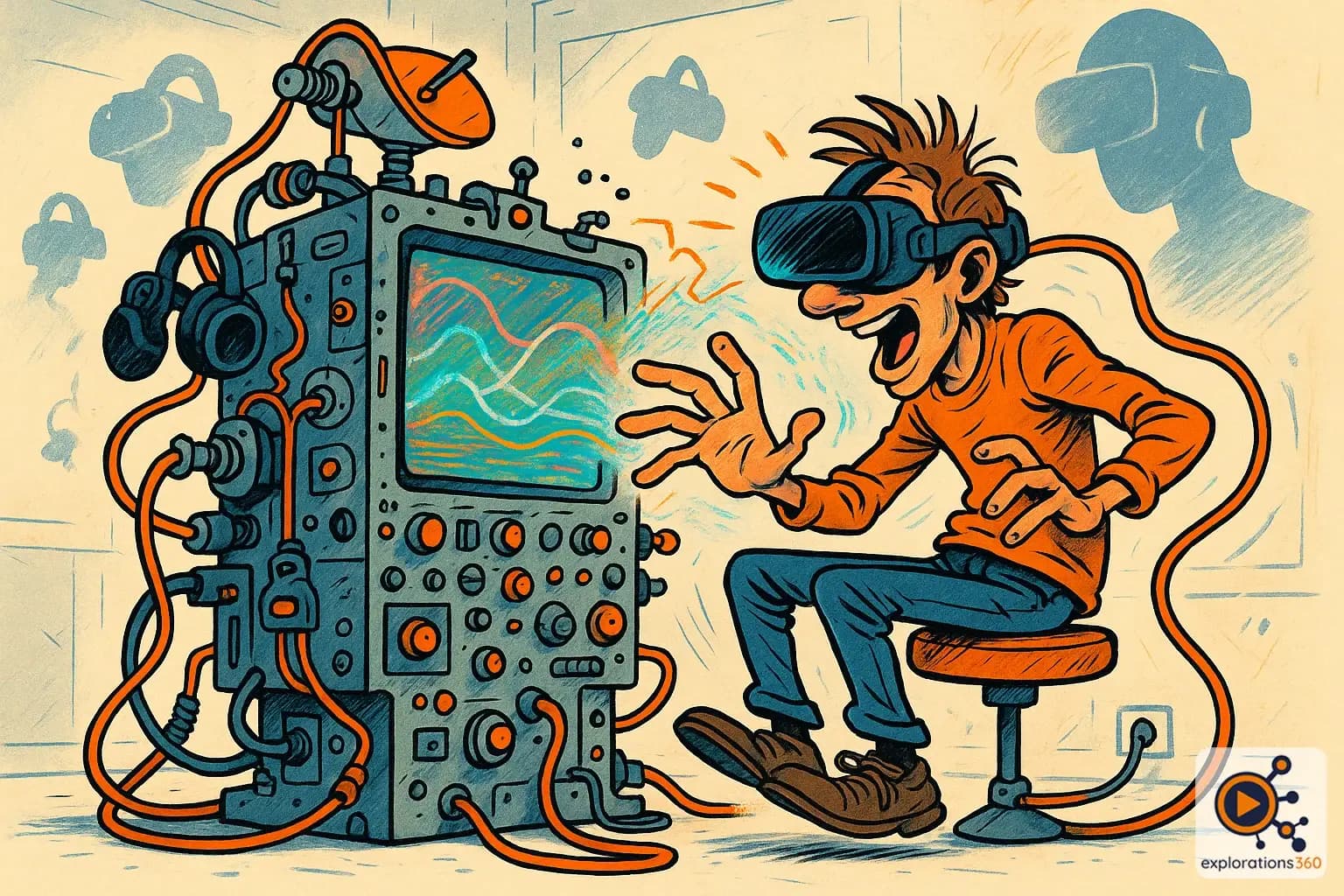
Explanation
Bidirectional communication between the user and the digital system.
Real-world example
Pressing a virtual button that responds by depressing and emitting a sound.
Practical applications
- Object manipulation: grabbing, moving, rotating, and releasing virtual elements
- Spatial navigation: moving, teleporting, and zooming within the environment
- System communication: menus, buttons, voice commands
- Contextual actions: using a tool, operating a machine, triggering an event
Types of VR interactions
Direct interactions
- Virtual hand that touches and grabs objects
- More intuitive and immersive
- Requires proximity to the object
Example: Grabbing a virtual cup with your hand
Remote interactions
- Laser ray, pointer, telekinesis
- Allows reaching distant objects
- Less natural but more practical
Example: Pointing at a distant menu with a ray
Voice interactions
- Voice commands, speech recognition
- Hands-free
- Useful in certain contexts
Example: "Hey, open the main menu"
VR scenario
In a maintenance training module, the technician must unscrew a panel, connect a cable, and press a reset button. Each interaction is modeled: the screw turns when manipulated, the cable "clicks" into place with audio and haptic feedback, and the button depresses.
Why it matters in professional VR
- The quality of interactions makes or breaks a VR experience
- Poorly designed interactions frustrate the user and break immersion
- Key principle: interactions must be intuitive, responsive, and consistent