

Explanation
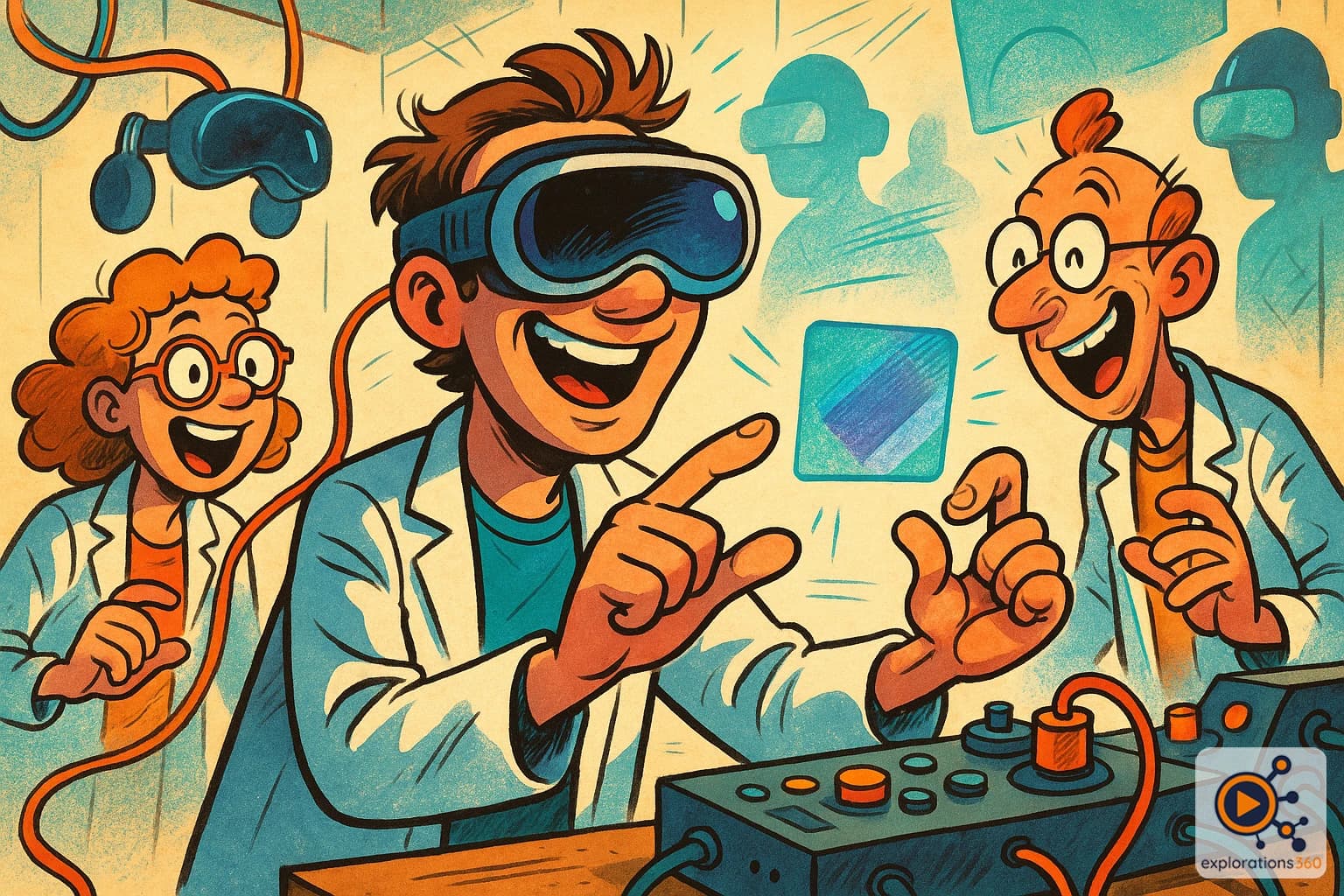
A controller-free interaction method where the user selects an element by looking at it (gaze) and then confirms the action by pinching their thumb and index finger together (pinch). Popularized by Apple Vision Pro, this approach has also been adopted by Pico (OS 6) and HTC (Vive Focus Vision) on their spatial computing headsets.
Real-world example
Looking at an app icon and pinching your fingers to open it — like a mouse click, but in mid-air.
Practical applications
- Navigating menus and spatial interfaces without a controller
- Selecting 3D objects in an immersive scene by gaze
- Discreet interactions: hands can remain resting on the knees
- Accessibility: interaction possible with minimal movement
Comparison with other interaction modes
Gaze and Pinch (controller-free)
- Gaze serves as a pointer for selection
- Finger pinch serves as a click
- Hands-free, discreet, and natural interaction
- Requires high-quality eye tracking and hand tracking
Example: Looking at a Play button, pinching your fingers to start the video
Controllers (VR wands)
- Laser pointer with the controller
- Physical buttons for actions
- Haptic feedback (vibrations)
- More precise for complex interactions
Example: Pointing at an object with the controller ray and pulling the trigger
Hand Tracking alone
- Hands are detected by the headset's cameras
- Various gestures: pinch, fist, point
- No haptic feedback
- Complementary to gaze and pinch
Example: Reaching out to grab a virtual object and move it
VR scenario
In a spatial computing meeting, a manager browses a 3D dashboard. They look at a sales chart to select it (gaze), pinch their fingers to enlarge it (pinch), then move it with a hand gesture into the shared space so colleagues can see it. No controller is needed — the interaction is as natural as pointing a finger.
Why it matters in professional VR
- Gaze and pinch is redefining XR interaction: more natural and less cumbersome than controllers
- An emerging standard in spatial computing, adopted by Apple (Vision Pro), Pico (OS 6), and HTC (Vive Focus Vision)
- Lowers the barrier to entry: no controller to learn
- High-quality eye tracking is the main technical prerequisite