

Introduction
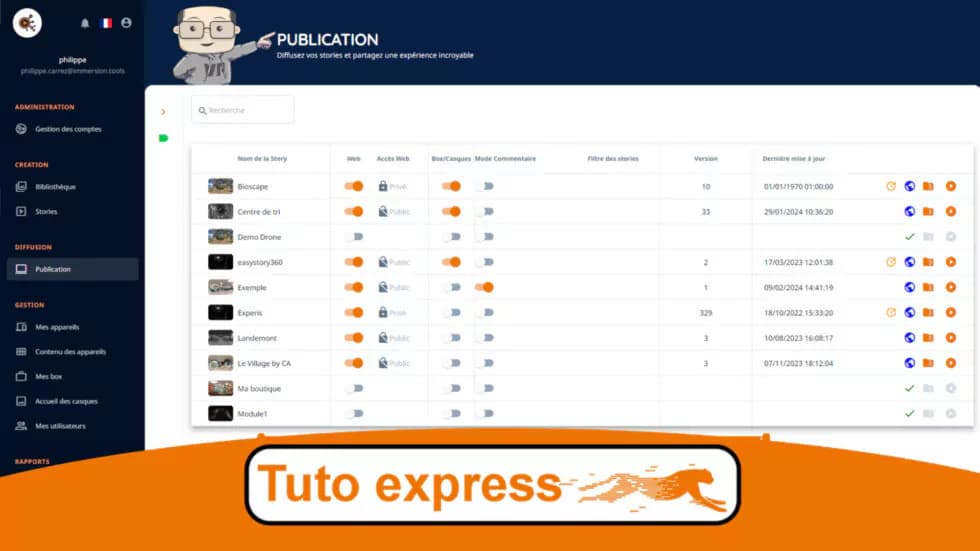
Your 360° story is ready? It's time to share it with the world! Publishing on easystory360 is simple and fast: in just a few clicks, your immersive experience will be accessible on the web or in VR headsets.
Quick video tutorial
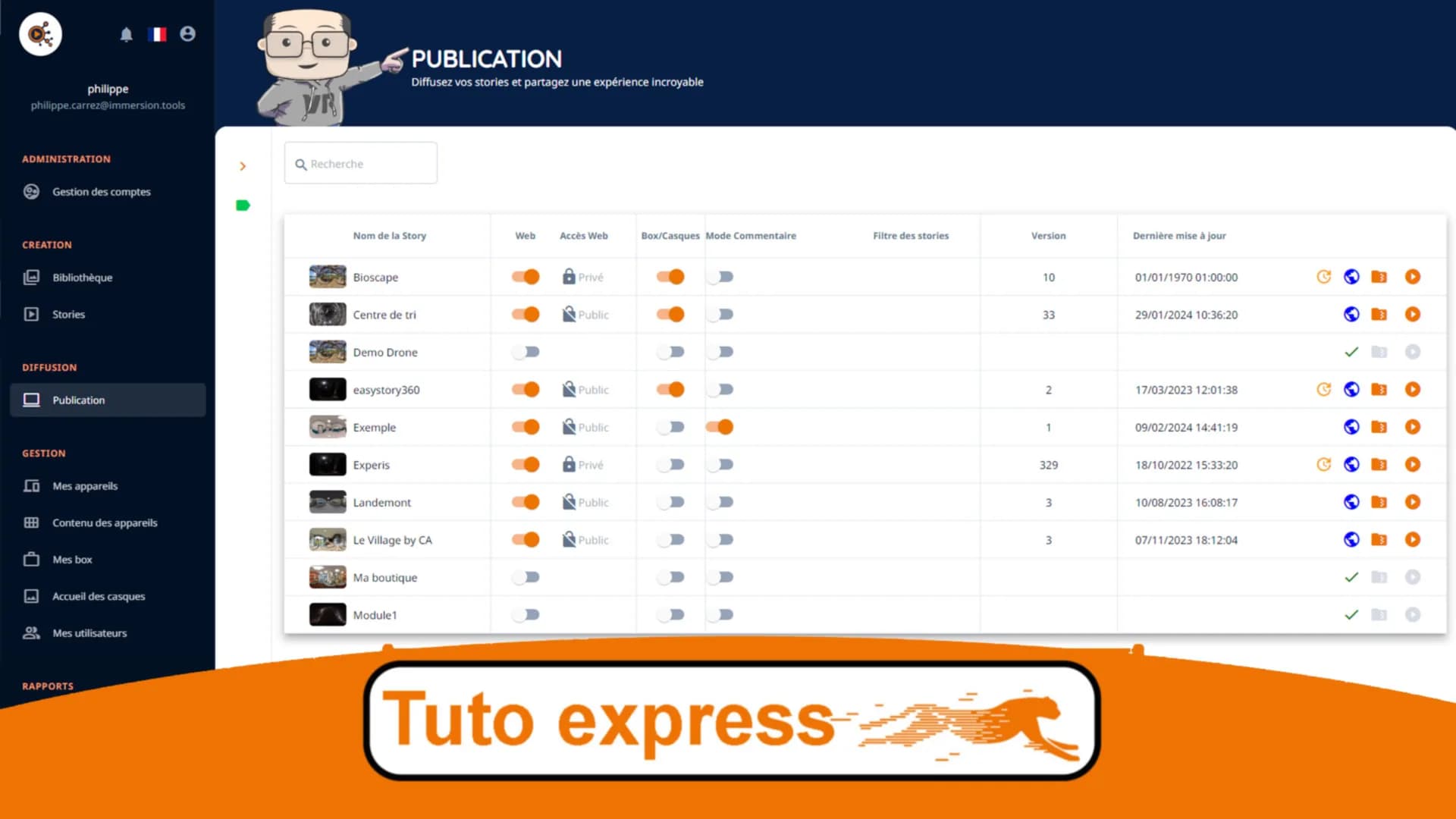
Learn how to publish your story in under 2 minutes:
Preparing for publication
Before publishing, make sure your story is complete:
- All scenes have been added and configured
- Navigation hotspots are working correctly
- The journey flows smoothly and logically
- Media assets are of good quality
- You have tested the preview
Publishing steps
- Open your story in the editor
- Click the "Publish" button in the top right corner
- Choose your visibility options
- Confirm the publication
- Copy your sharing link
Visibility options
| Option | Description | Recommended use |
|---|---|---|
| Public | Accessible to everyone via the link | Marketing, portfolio |
| Unlisted | Accessible only with the direct link | Targeted sharing, clients |
| Private | Visible only to you | Testing, drafts |
Viewing modes
Once published, your story can be viewed on:
- Web browser: PC, Mac, tablet - navigate with mouse or touch
- Smartphone: iOS and Android - uses the gyroscope for a natural immersive experience
- VR headset: Meta Quest, Pico, etc. - full immersive experience
Sharing options
Several ways to share your story:
- Direct link: copy and share your story's URL
- Embed code: embed your story on your website
- QR Code: generate a QR code for quick mobile access
- Social media: share on Facebook, LinkedIn, Twitter
Embedding on your website
To embed your story on your website, use the provided embed code. If you use WordPress, our dedicated plugin makes integration even easier.
Editing a published story
You can edit your story at any time after publication. Changes will automatically be visible to all visitors as soon as you save them.
Additional resources
Share this article: