

Explanation
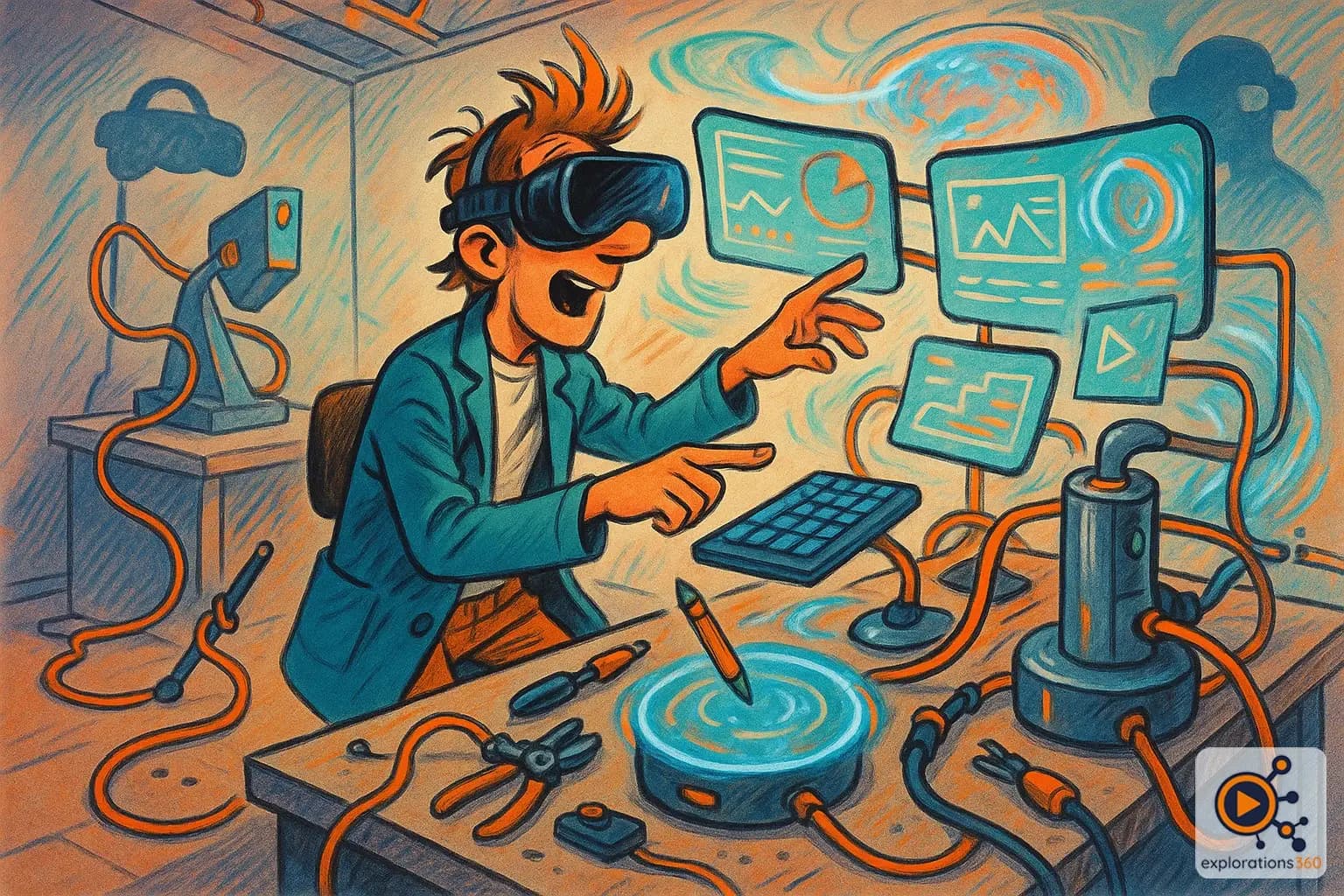
A VR workspace lets you project your computer screens into a virtual environment, providing unlimited displays of any size. Apps like Immersed or Virtual Desktop turn a VR headset into a multi-monitor workstation with no extra hardware. Unlike a virtual office (focused on team collaboration), the VR workspace focuses on individual productivity and distraction isolation.
Real-world example
A developer works from a small studio apartment. In VR with Immersed, they have 5 giant virtual screens - code, documentation, Slack, terminal, browser - in a calm library environment. No physical monitors needed.
Practical applications
- Virtual multi-monitors: place as many screens as you want, any size you want
- Distraction isolation: total focus, no real-world notifications
- Custom environments: work on a beach, in space, or in a designer office
- Remote collaboration: share a workspace with distant colleagues
Immersive desktop applications
Individual productivity
- Applications like Immersed, Virtual Desktop
- PC/Mac screens projected into VR
- Customizable environments
Example: Coding with 5 virtual screens in a mountain chalet environment
Team collaboration
- Horizon Workrooms, Spatial
- Meetings with avatars and shared whiteboards
- Sense of presence with remote colleagues
Example: Daily standup with the international team in VR
VR scenario
A developer works from a small apartment. In VR, they have a spacious office with 4 giant screens: code, documentation, Slack, and terminal. They switch to "calm forest" mode for deep work without distractions. Productivity multiplied.
Why it matters in professional VR
- The immersive desktop pushes beyond the physical limitations of workspace
- Solution for limited space: a studio apartment becomes an open office
- The future of remote work: virtual presence outperforms video conferencing