

Explanation
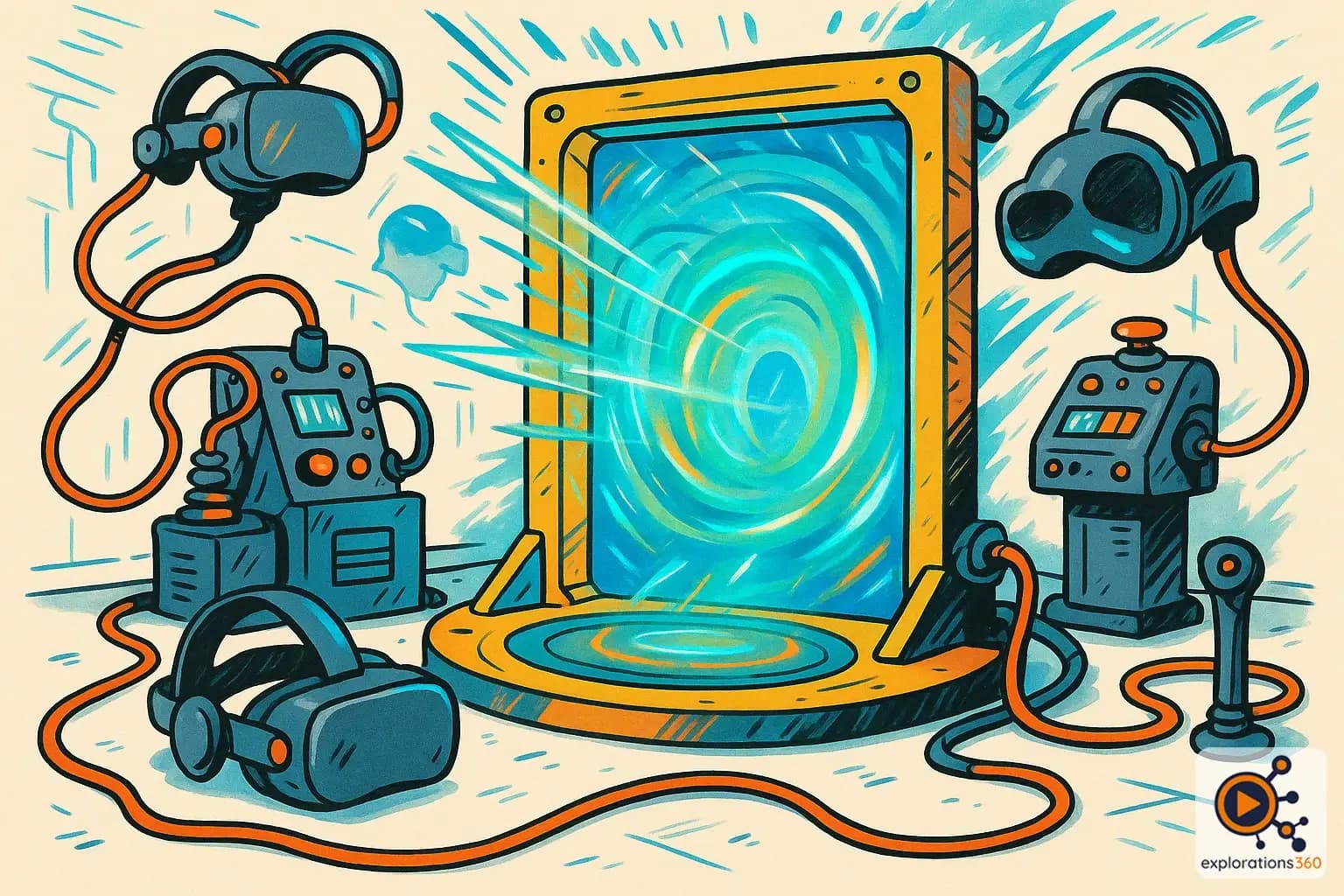
The complete set of devices that enable a user to enter an artificial world.
Real-world example
VR headset + controllers + tracking = the complete setup for VR.
Practical applications
- Entering the virtual: equipment that immerses us in another world
- Interaction: devices for acting within the virtual environment
- Perception: stimulating our senses to create the illusion
- Feedback: information from the virtual world back to the user
Components of a complete VR interface
Visual interfaces
- HMD (Head-Mounted Display) headset
- Lightweight AR/MR glasses
- CAVE multi-projection screens
- Immersive domes
Example: Meta Quest 3 for portable and accessible immersion
Input interfaces
- Hand controllers (Touch, Index)
- Camera-based hand tracking
- Haptic gloves
- Full-body capture (mocap)
Example: Valve Index controllers with built-in finger tracking
Output interfaces
- Spatial audio (headphones/speakers)
- Haptic feedback (vibrations, force)
- Vestibular stimulation
- Experimental olfactory interfaces
Example: An omnidirectional treadmill for physically walking in VR
VR scenario
A complete professional VR interface for surgical training includes: a Varjo headset for high resolution, Manus gloves for precise hand tracking, haptic feedback via a robotic arm simulating tissue resistance, and spatial audio to hear the beeps of monitors. Together, they create a simulation nearly indistinguishable from reality.
Why it matters in professional VR
- Quality of immersion: the richness of the interface determines the depth of the experience
- Skills transfer: the more faithful the interface, the better the learning
- Accessibility: adapting interfaces to each user's capabilities
- Constant evolution: advances in interfaces open up new use cases